
Tech Blog
BLOG
What You Need to Know: Windows 10 End of Life on October 14, 2025
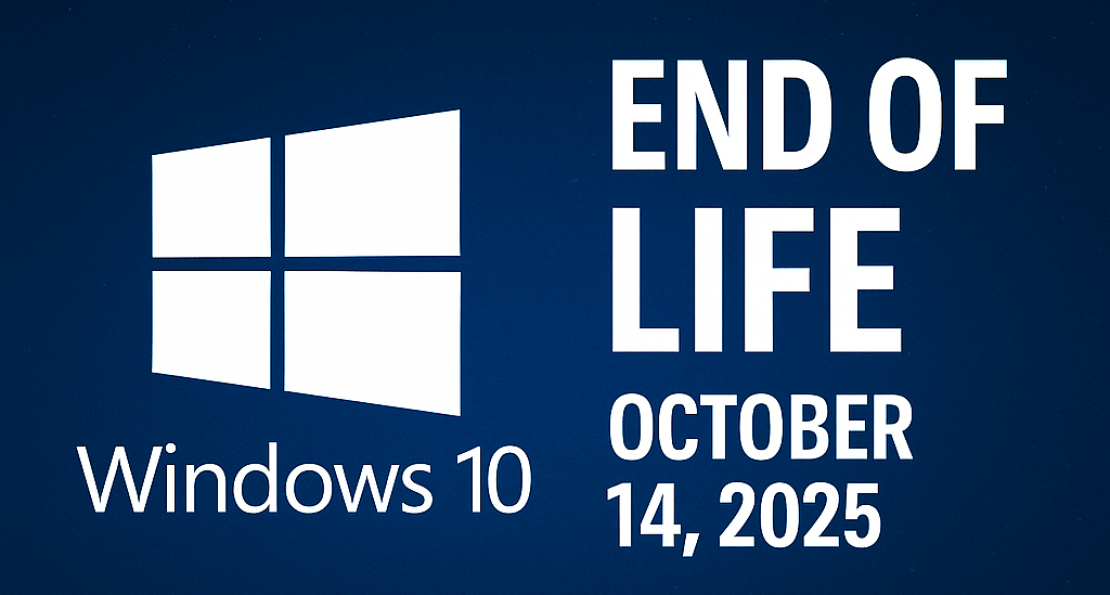

Windows 10 End of Life: October 14, 2025 — What It Means & How IDOTECH Can Help
On October 14, 2025, Microsoft officially ends support for Windows 10. Here’s what that means for your business and how IDOTECH can help you transition smoothly.
Quick navigation
What changes after October 14, 2025?
- No more security updates or bug fixes.
- No new features or Microsoft support.
- Increased vulnerability to malware and exploits.
Why Windows 10 EOL matters
Unsupported operating systems become prime targets for cyberattacks and quickly lose compatibility with modern software, hardware, and compliance standards.
Your options
1. Upgrade to Windows 11
The recommended long-term path for supported devices.
2. Extended Security Updates (ESU)
A short-term option for critical devices that cannot be upgraded immediately.
3. Device replacement
For outdated machines, refreshing hardware ensures better performance and compliance.
How IDOTECH helps
- Full device and software assessments.
- Planned migrations with minimal downtime.
- Enrollment into ESU if needed.
- Device procurement and setup for replacements.
- Ongoing Managed IT Services for security and performance.
Best practices
- Start migration planning now.
- Backup and test data before upgrades.
- Pilot test upgrades before company-wide rollout.
- Train employees on new features and workflows.
FAQ
- Can I still use Windows 10 after October 14, 2025?
- Yes, but it’s unsafe without updates. Migration or ESU is strongly advised.
- Do I need to replace all my PCs?
- No. Many can be upgraded. IDOTECH helps identify which ones should be replaced.
- What happens if I ignore EOL?
- Increased security risks, compliance failures, and higher long-term costs.
This article is brought to you by IDOTECH LLC. Contact us today to prepare your business for Windows 11 and beyond.